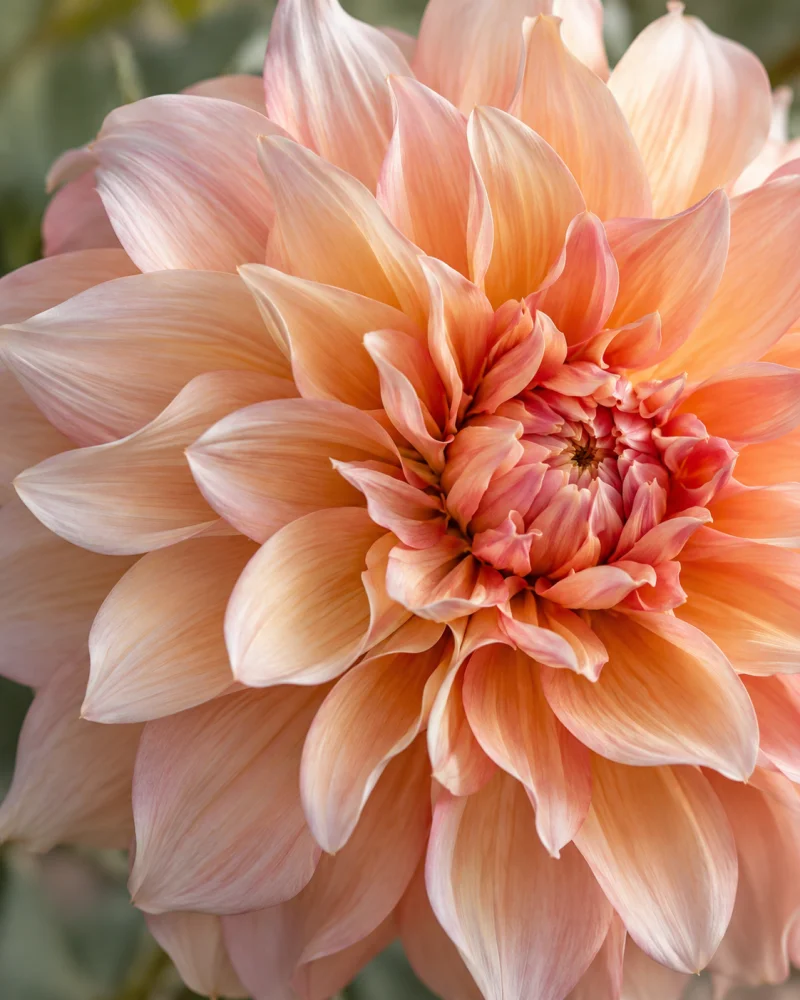

Right where your files are.
Open from Finder or drop in a folder. Browse in natural filename order, with no importing.

Image & video viewer for Mac
Open an image or video from Finder. Swipe through its folder. Pinch to look closer.
Download for MacFree & open source · macOS 12+ · Apple Silicon
A few pictures. Go ahead, explore.

Try it yourself, or select a hand for a quick demo.Mouse? Drag to browse. Double-click to zoom.Keyboard: left and right browse at fit, plus and minus zoom, arrow keys pan when zoomed, and zero or Escape resets.
Coast.jpg, picture 1 of 3, 1 times magnification
Measured with Petalook 0.1.0.
Apple M5 Max · macOS 27.0. Memory figures are settled usage; temporary peaks reached 563 MB. Image size, neighboring files, and zoom affect usage.
Opening speed. Median of 10 launches through macOS file delivery after one discarded warmup, using a 6000 × 4000 JPEG and warm filesystem caches. Measured from the launch request to the app’s callback after its first image render: 345.85 ms. Includes macOS launch overhead; it is not a cold-start or physical display-latency measurement.
Memory. macOS physical footprint, sampled five seconds after the first image frame. Each row is the median of three fresh release-app launches with neighboring-image preloading enabled. Peak is the highest observed process footprint during those launches.
| Photo workload | Settled | Peak |
|---|---|---|
| One 1254 × 1254 JPEG | 92 MB | 294 MB |
| A folder of three everyday images | 112 MB | 306 MB |
| A folder of three 24 MP images | 225 MB | 563 MB |
Test machine: MacBook Pro, Apple M5 Max, 128 GB RAM, macOS 27.0. These are observed workloads, not a minimum RAM requirement or a promise for every Mac. MB uses decimal units.
Storage. The release ZIP is 9,619,391 bytes; its unpacked contents total 15,347,148 bytes. Actual allocated disk space can vary by filesystem.
Less in the way. More to see.
Open from Finder or drop in a folder. Browse in natural filename order, with no importing.
Play, pause, seek, and mute. Pictures and videos live comfortably in the same viewer.
Signed updates download in the background and install when you quit. Ready for your next look.
The small print, made simple
Made for your Mac.
Free to use. Open source.
Everyday pictures, screenshots, and the clips between them.
*Format and codec availability depends on macOS. Animated images currently display their first frame.
The current release requires an Apple Silicon Mac (M1 or later) running macOS 12 Monterey or later.
Intel Macs, Windows, and Linux do not currently have supported releases.
Opening a single file includes supported neighbors in the same folder. Folders are browsed without scanning subfolders.
To make Petalook your default viewer, choose File → Default Viewer… and approve the macOS prompts. This is optional.
The frame follows the picture’s proportions. Fit to Screen fits it within your display. Fit to Window remembers your chosen maximum width and height as you move between pictures.
Pinching grows the frame first, then magnifies the image inside it at the screen boundary. Drag the image to move the window; it gently snaps near the center of your screen.
Controls appear near the bottom edge. Click the filename to reveal the file in Finder. Your window position and viewing mode are remembered.
Petalook uses Sparkle to check for signed updates in the background. A downloaded update installs when you quit normally, ready for the next launch.
You can also choose Petalook → Check for Updates… from the menu. Downloads and release notes are hosted on GitHub.
Petalook is a focused viewer. The current version does not include image editing, rotation controls, a photo library, RAW support, or HDR display.
Animated images show their first frame. Decoded image detail is limited to 8,192 pixels on the longest edge. Video codec support follows macOS.
The app’s custom controls do not yet provide a complete VoiceOver accessibility tree; native menu commands remain available.
Petalook is built with Rust and GPUI, released under the MIT license, and inspired by LilyView. Feedback and bug reports are welcome.
Small app. Wide open view.
A quiet place for your images and videos.
Download for MacVersion 0.1.0 · 9.6 MB · Free & open source
Release notes